See the difference
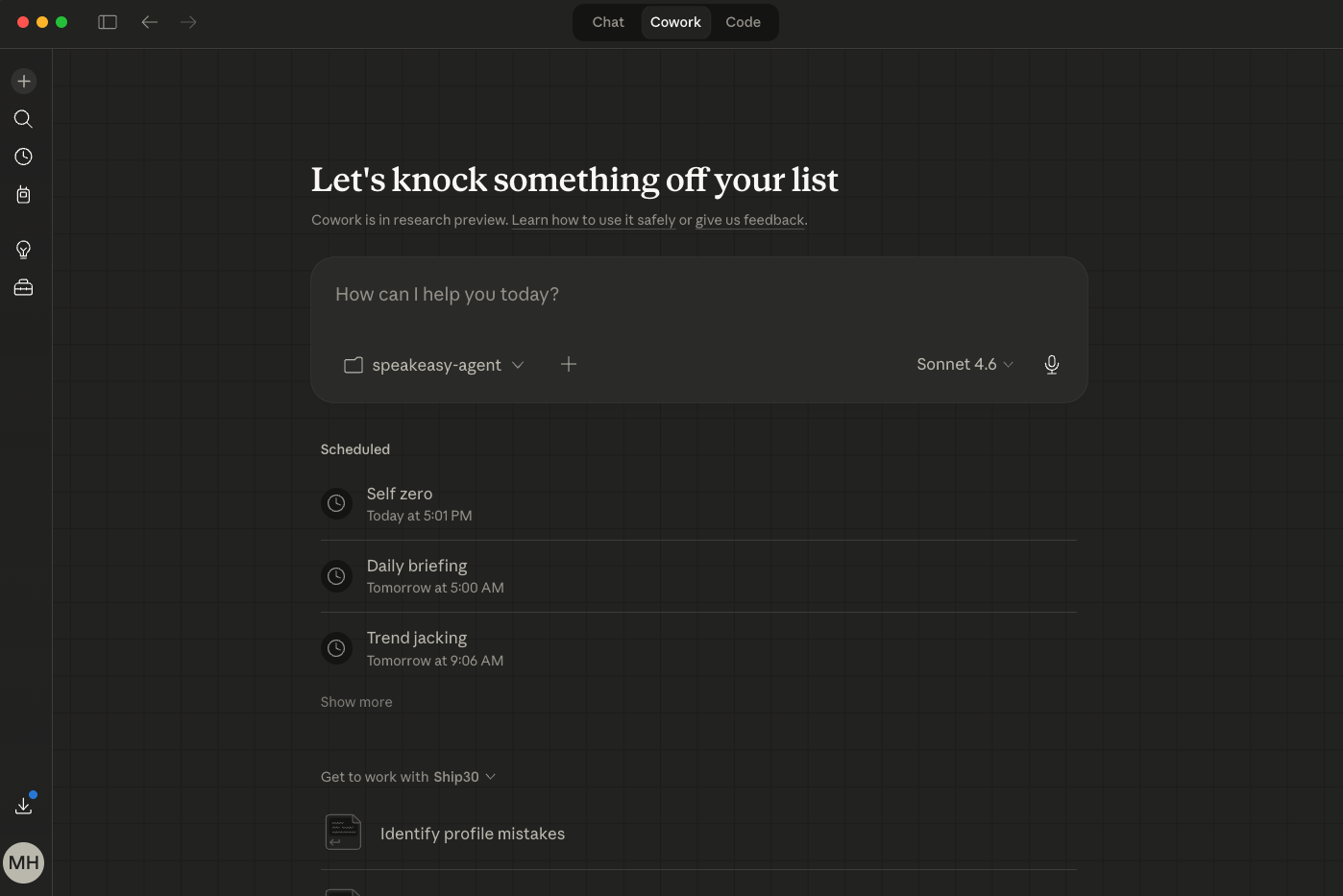
Raw screenshot vs. Snaptastic
Before
After
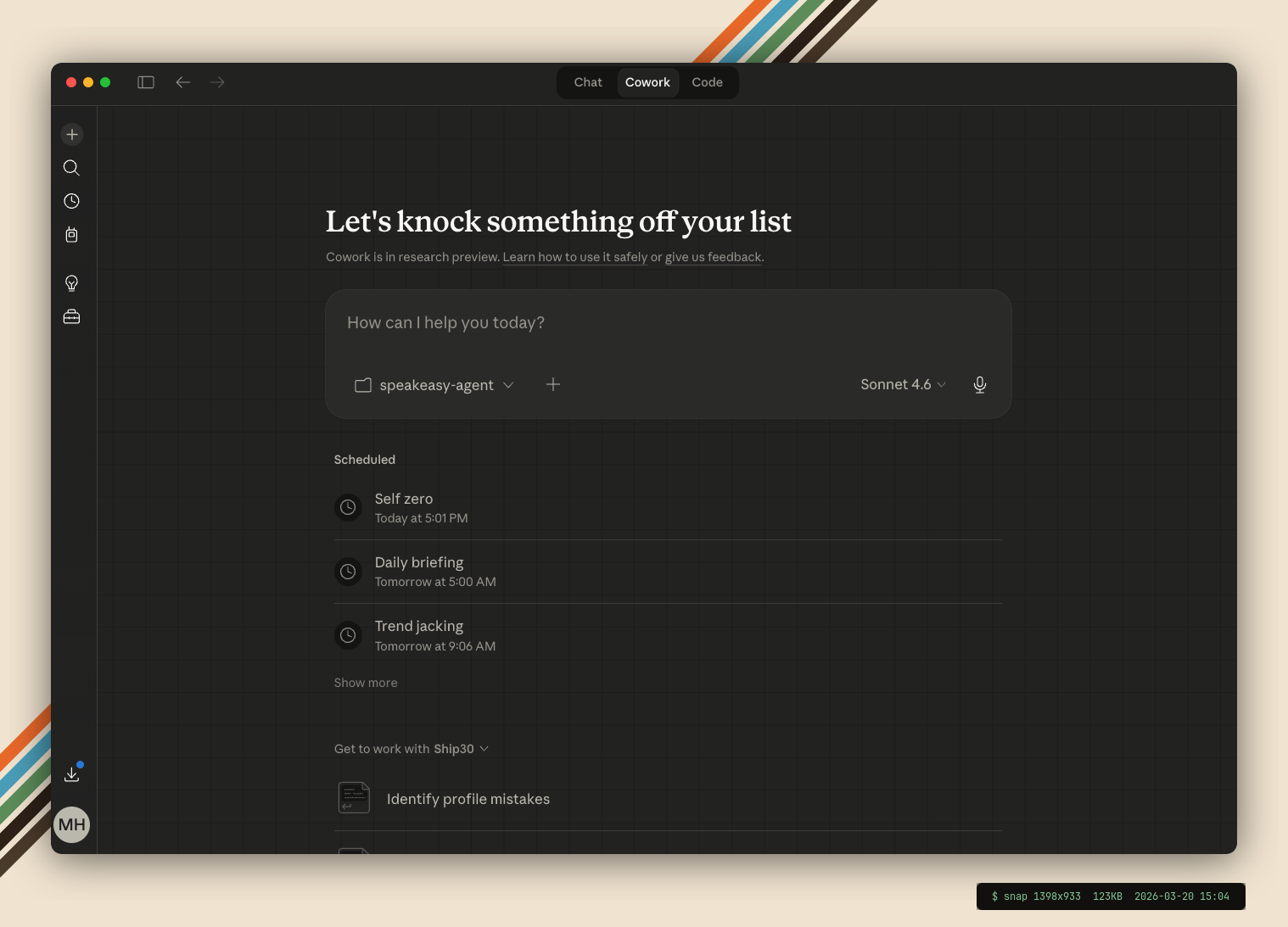
Take a screenshot. Get a beautiful version. That's it.
Free, open-source, agent-first screenshot beautifier. No subscription. No Electron app. No $30/year for rounded corners. Just a local bash script that watches your folder and makes every screenshot content-ready.
See the difference
Before
After
Install once
Open Claude Code, Codex, or OpenClaw. Paste. Done.
Install Snaptastic for me.

Snaptastic is a CLI screenshot beautifier
that watches my screenshot folder and
auto-beautifies every capture with
backgrounds, rounded corners, shadows,
and templates.

Read https://github.com/heymitch/snaptastic
and install it on my machine. Set up
auto-start at login so it runs in the
background.

After install, ask me one question:
Which template should be the default?
1. gradient-sunset
2. synthwave
3. trd-pro
4. catppuccin
5. absolutely
6. gradient-dark
7. clean-white
8. minimal-gray

Then set my choice and confirm it's
running.
$ git clone https://github.com/heymitch/snaptastic.git && \
  cd snaptastic && ./install.sh
Built-in templates
Switch between templates or set a default. Each one applies a different background, shadow style, and corner radius.
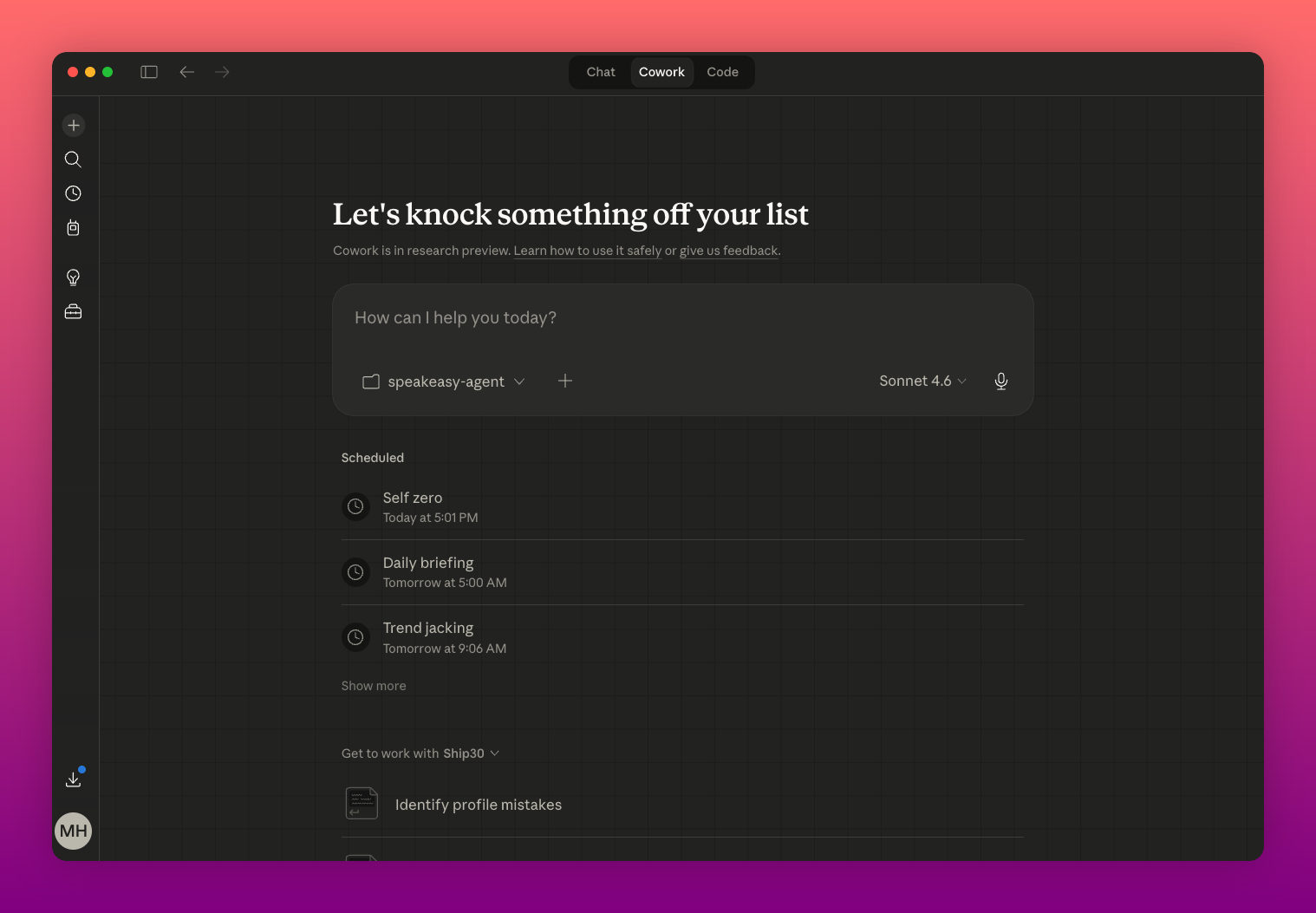
Gradient Sunset
Warm peach-to-gold. Stands out on social.
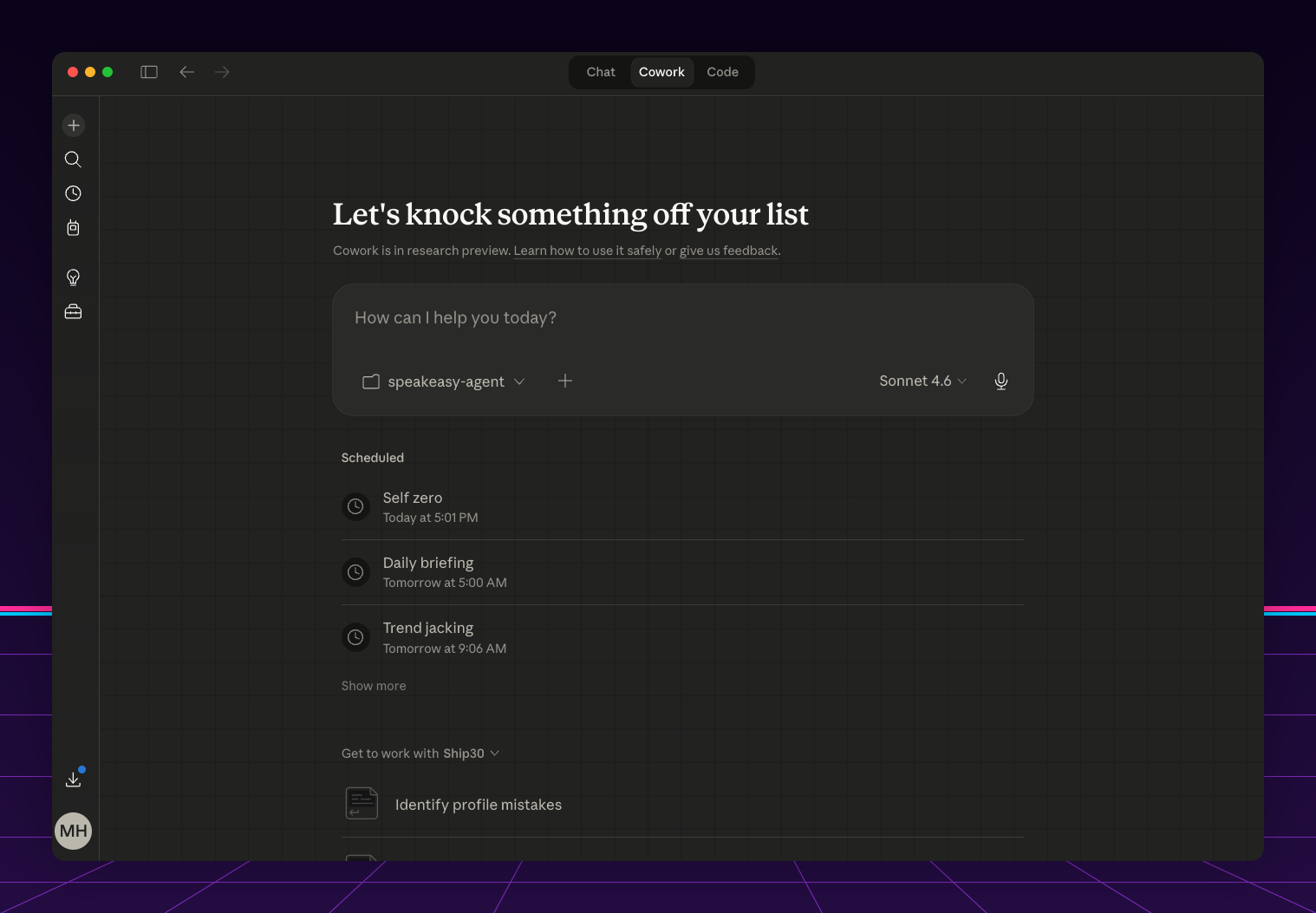
Synthwave
Retrowave gradient with neon grid horizon.
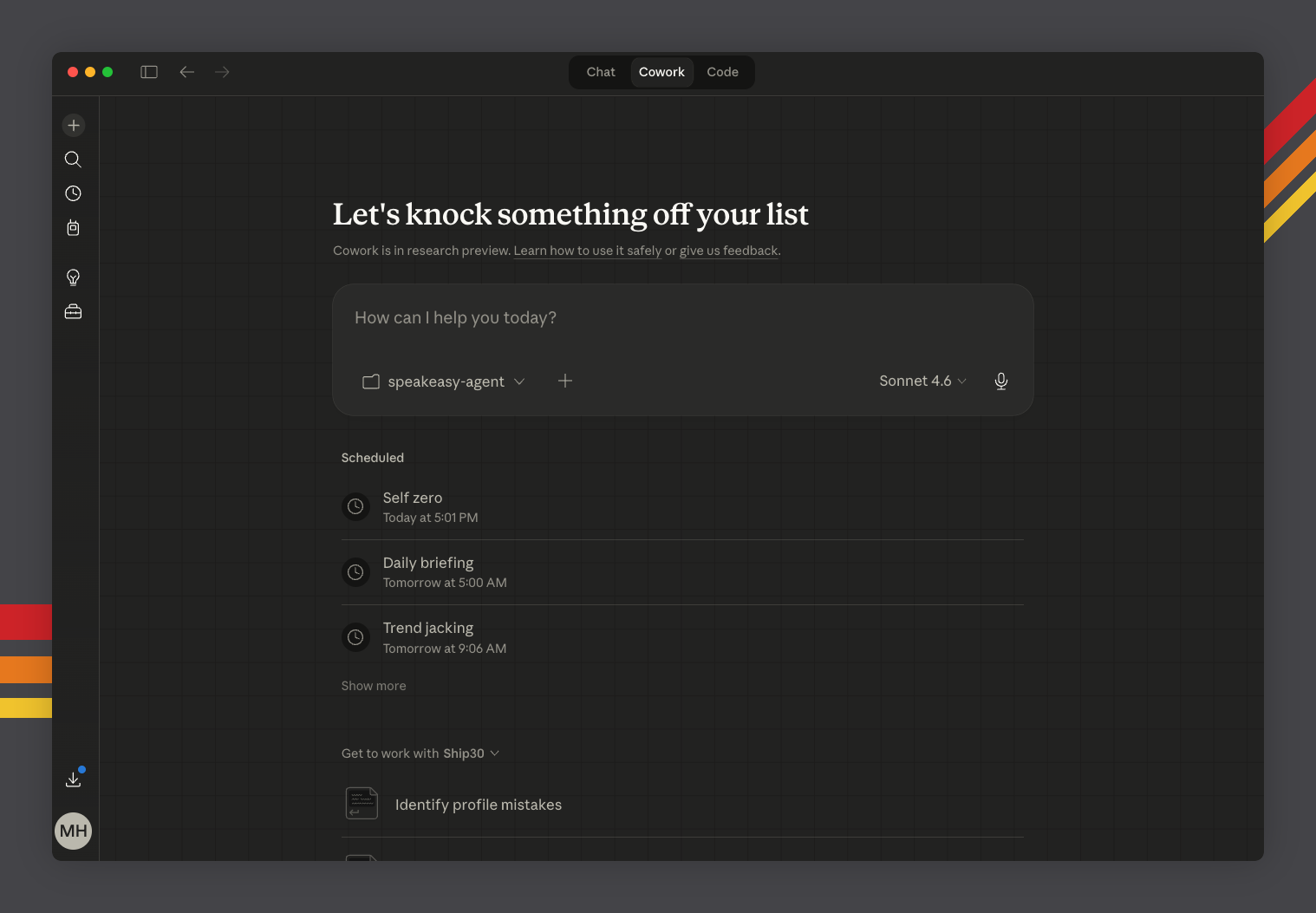
TRD Pro
Hockey stick racing stripes on matte dark.
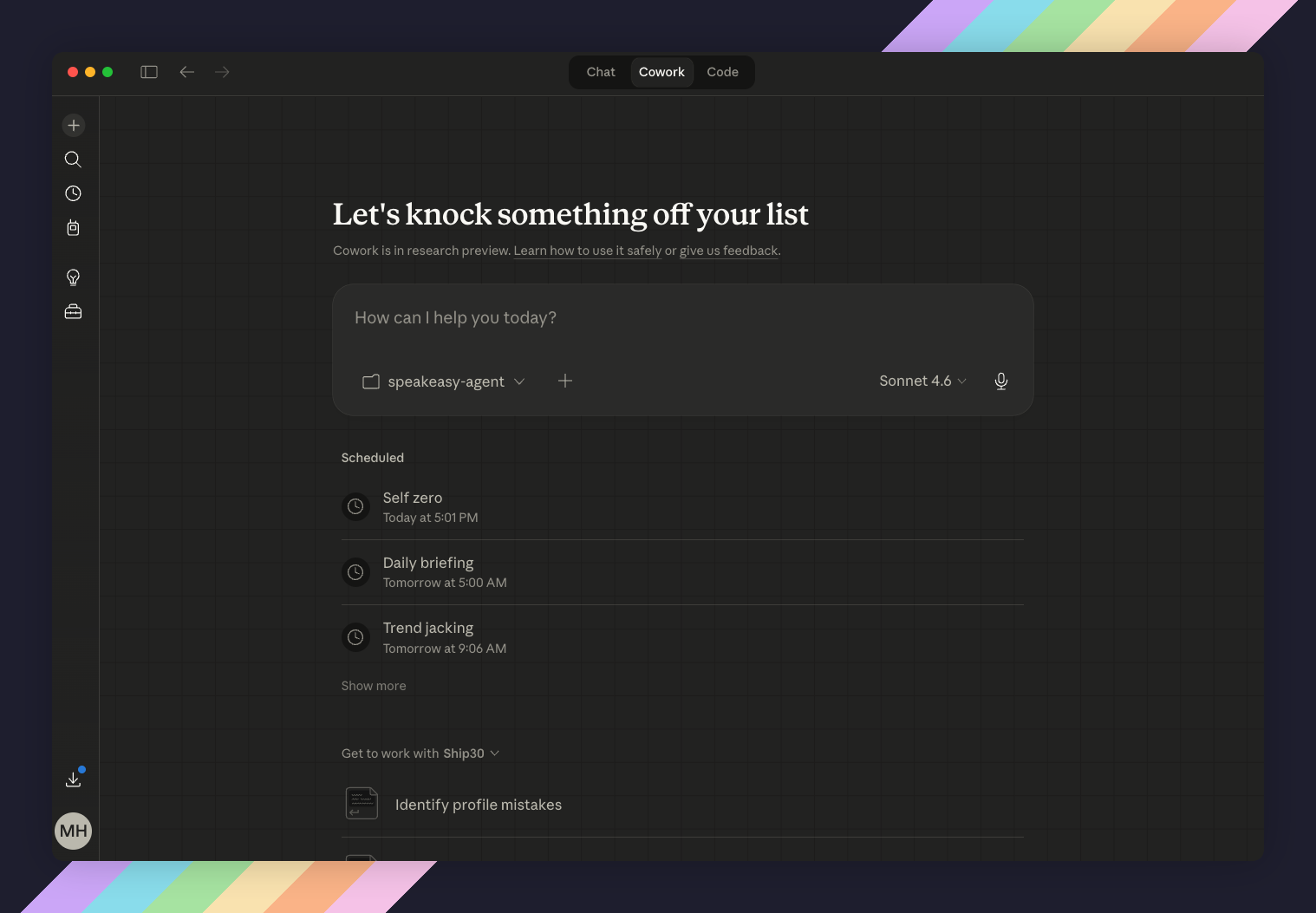
Catppuccin
Mocha palette with diagonal pastel accents.
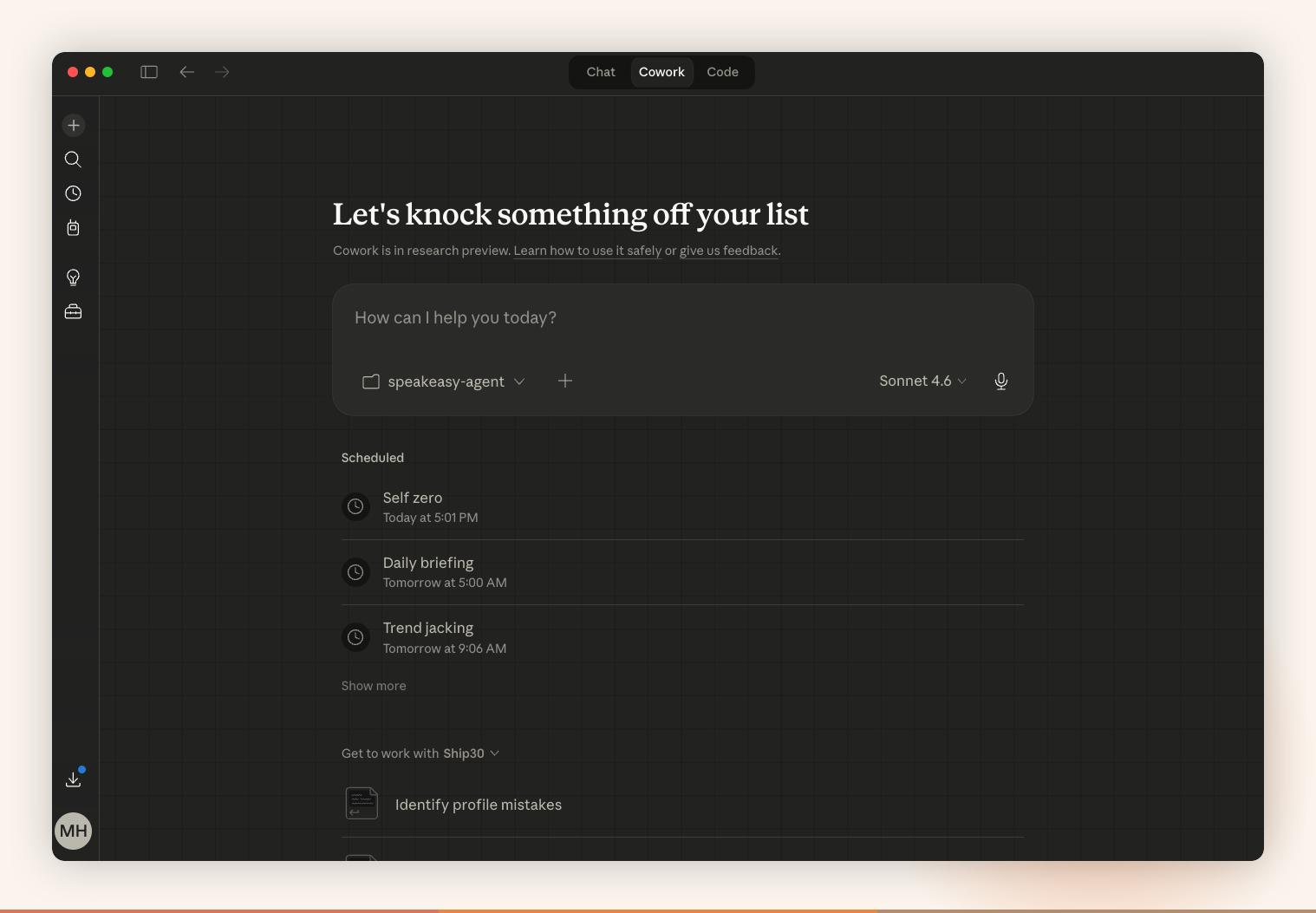
Absolutely
Warm sand and terracotta. I have the whole picture now.
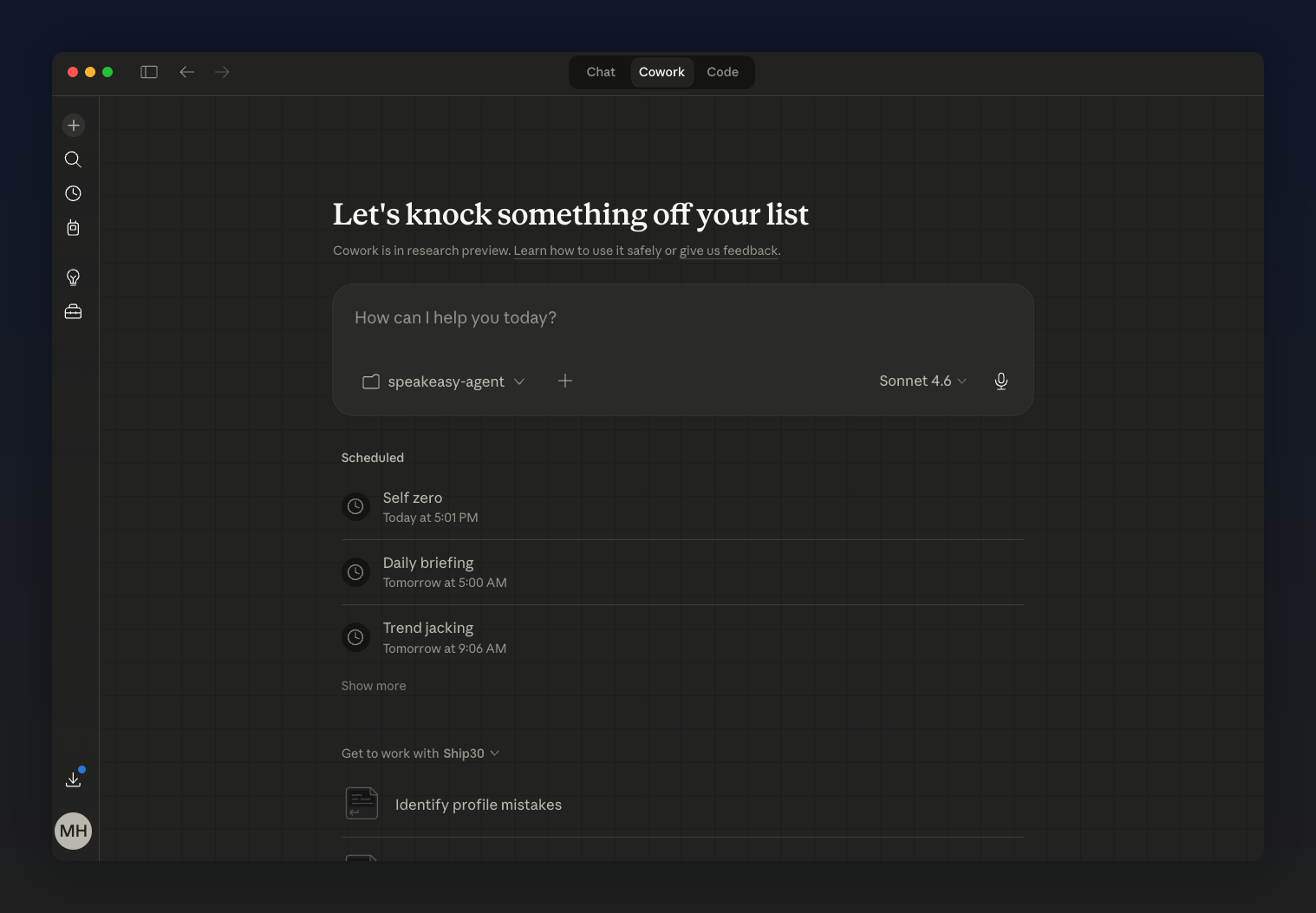
Gradient Dark
Deep navy gradient. Great for code screenshots.
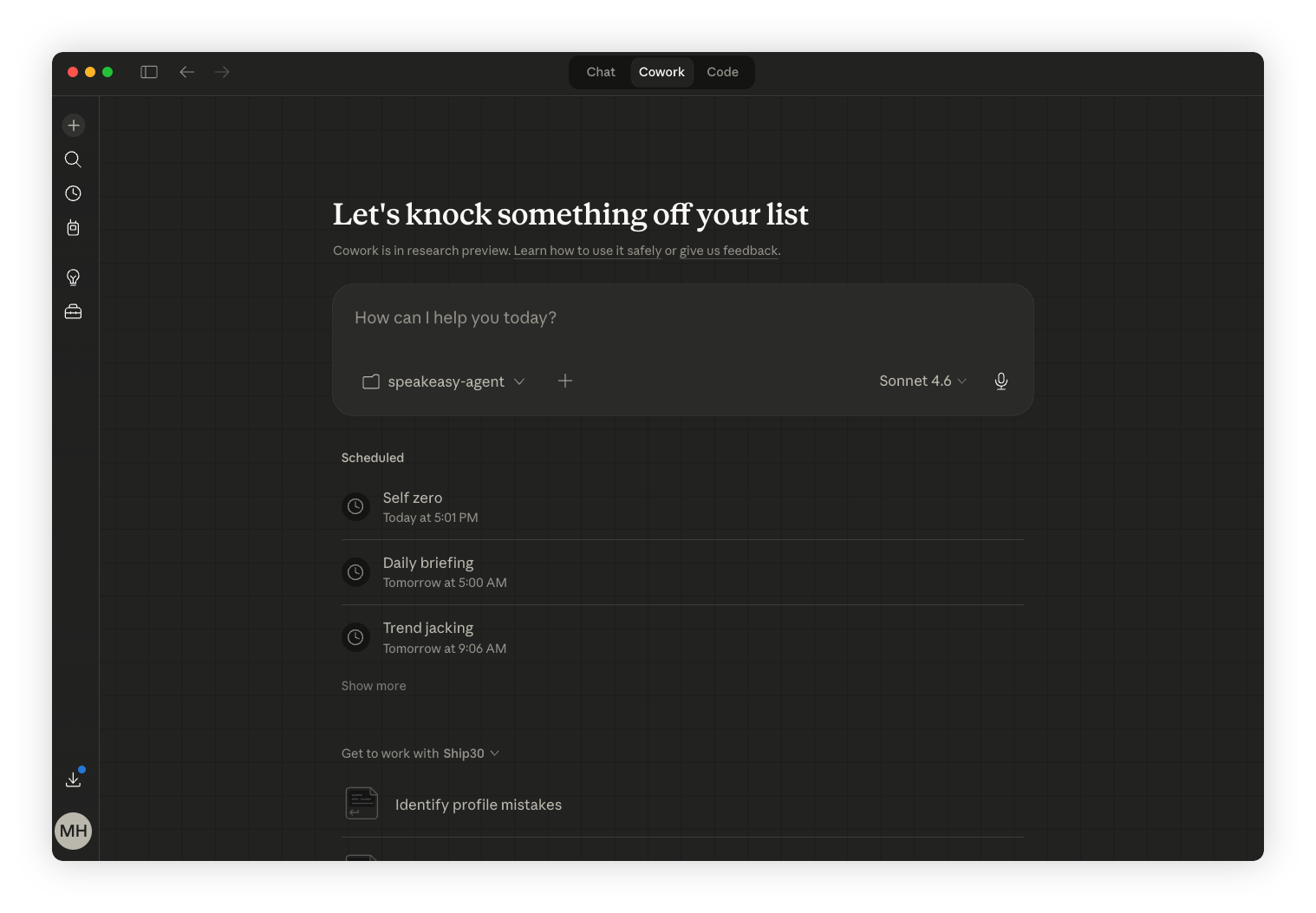
Clean White
White background, soft shadow. The classic.
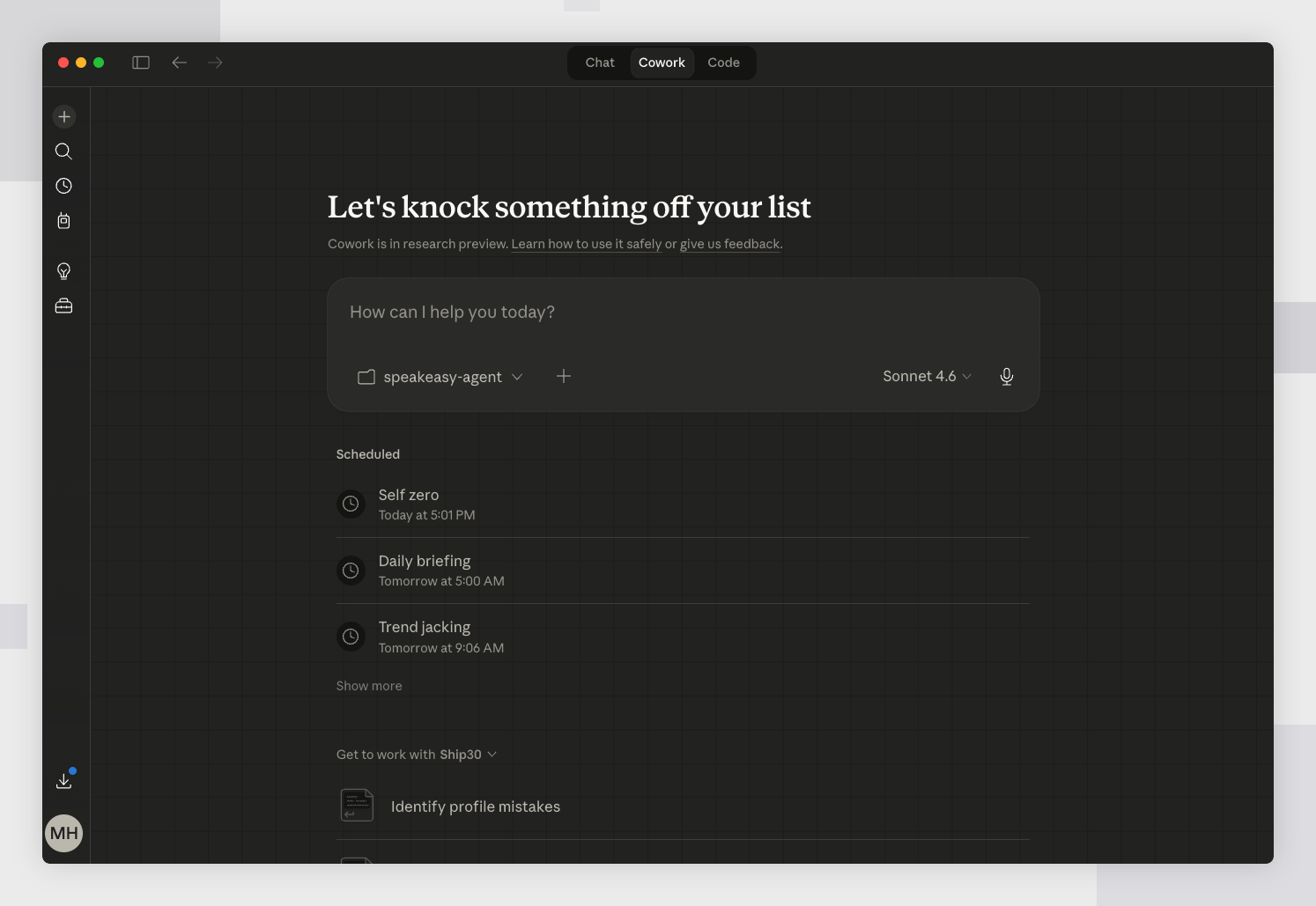
Minimal Gray
Blocky geometrics on neutral gray. Quiet.
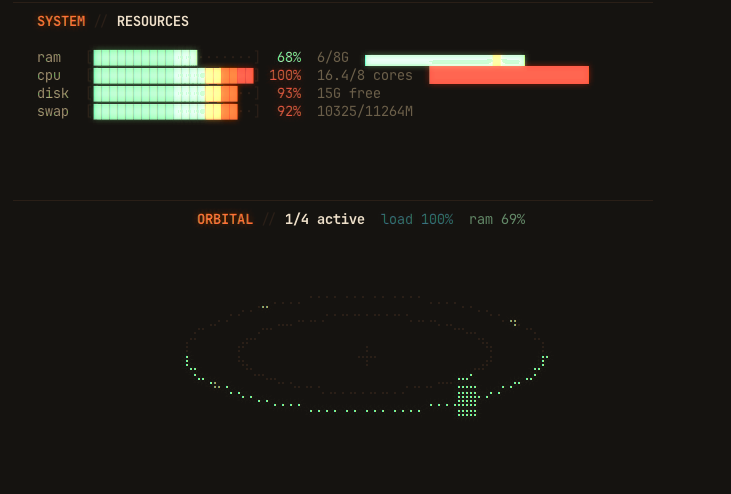
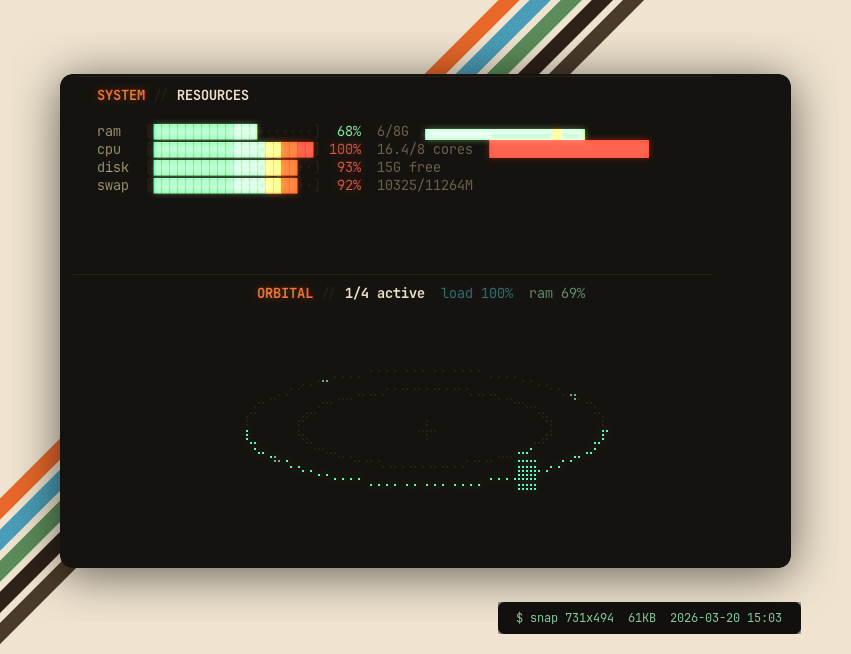
More examples
Raw
Snaptastic
Go further
Already installed? Tell your agent to build you a custom look:
Create a custom Snaptastic template for me.
I want [describe your style].
Read the template docs at ~/.snaptastic/templates/
and create a new one.
Your agent reads the template format, designs the background, colors, and decorations, and saves it. Next screenshot uses your custom look.
You describe. The agent builds. You benefit.